Know what you own.
Know where it is.
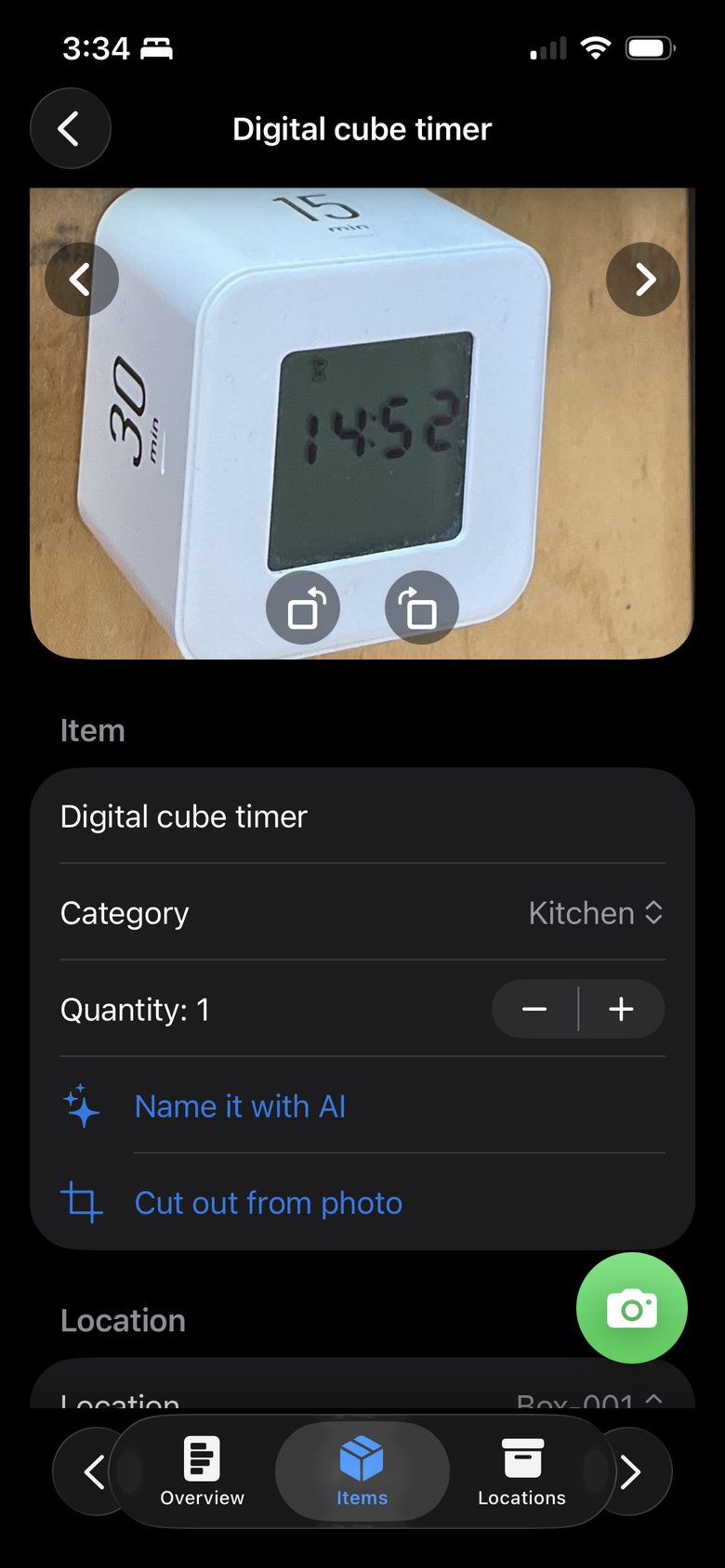
Take a photo. BinBunny names it, files it, and helps you find it later.
Get BinBunny for iPhone
Free forever. No account required.
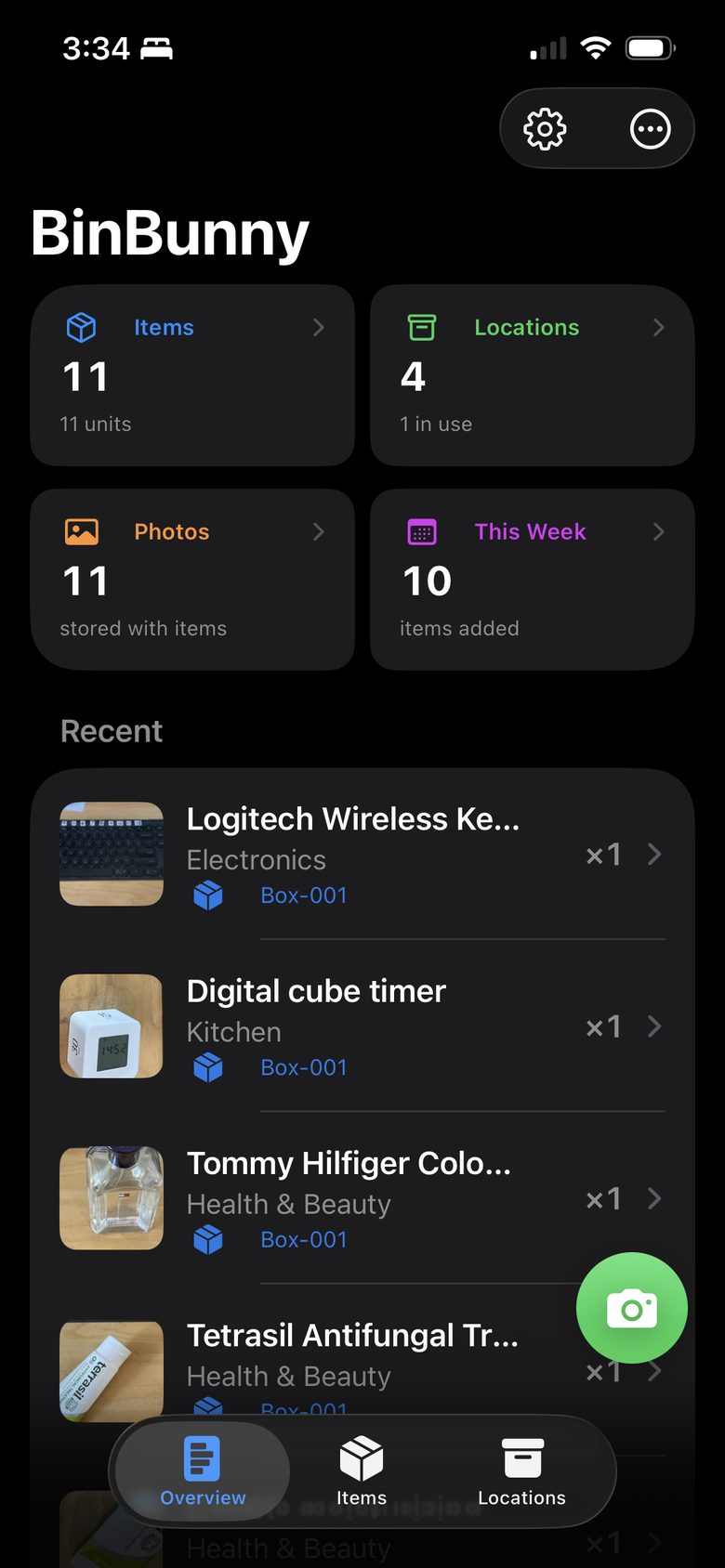
“Where did I put that?”
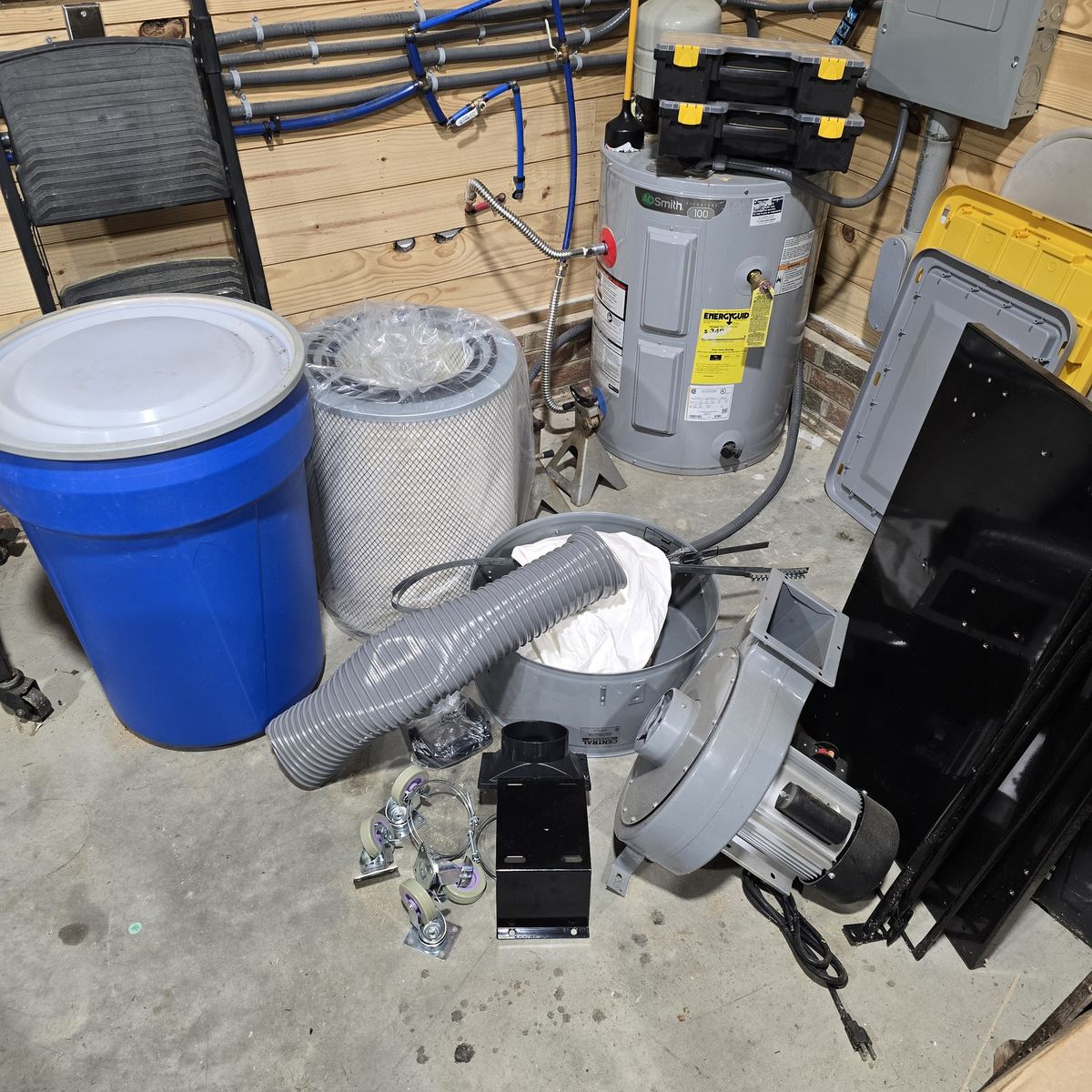
“There it is.”
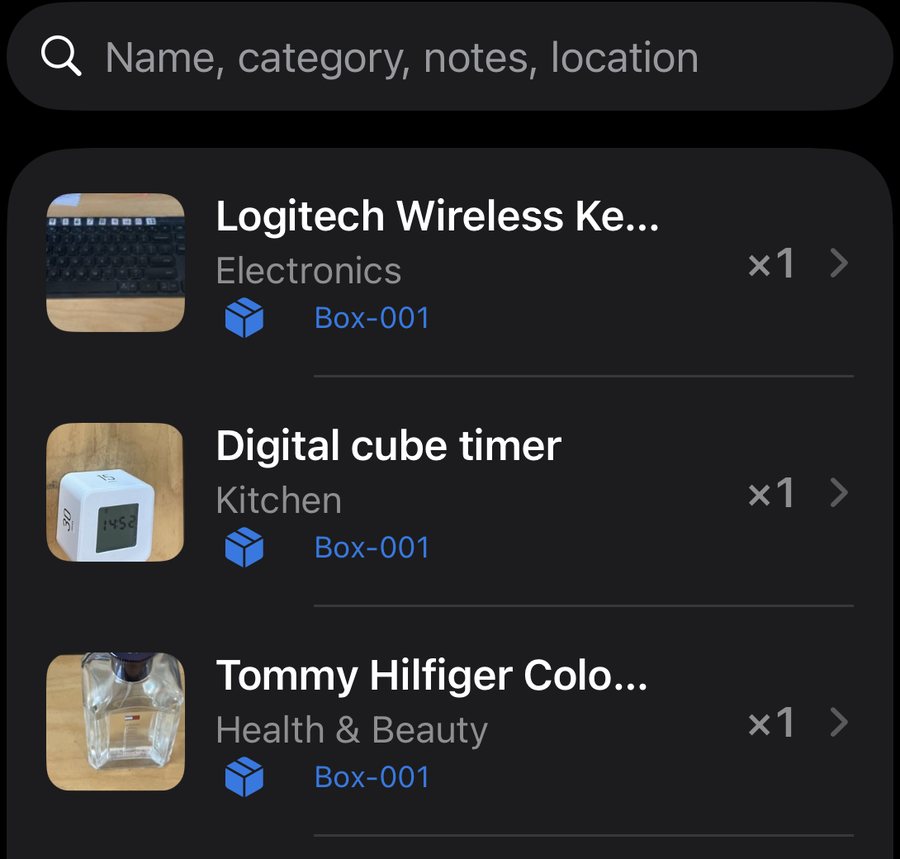
How it works
Three steps.
1
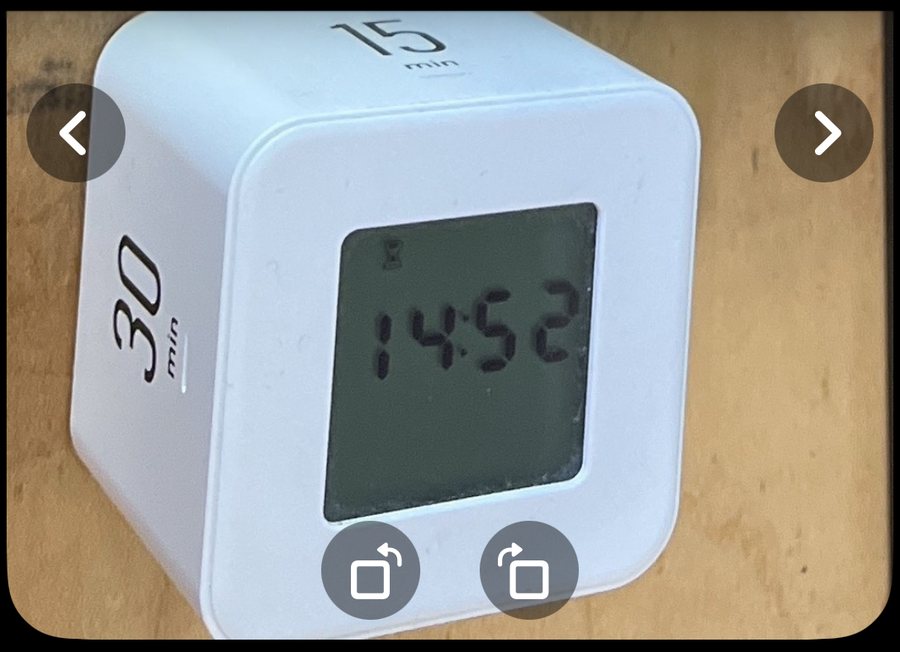
Snap it
Point and shoot.
2
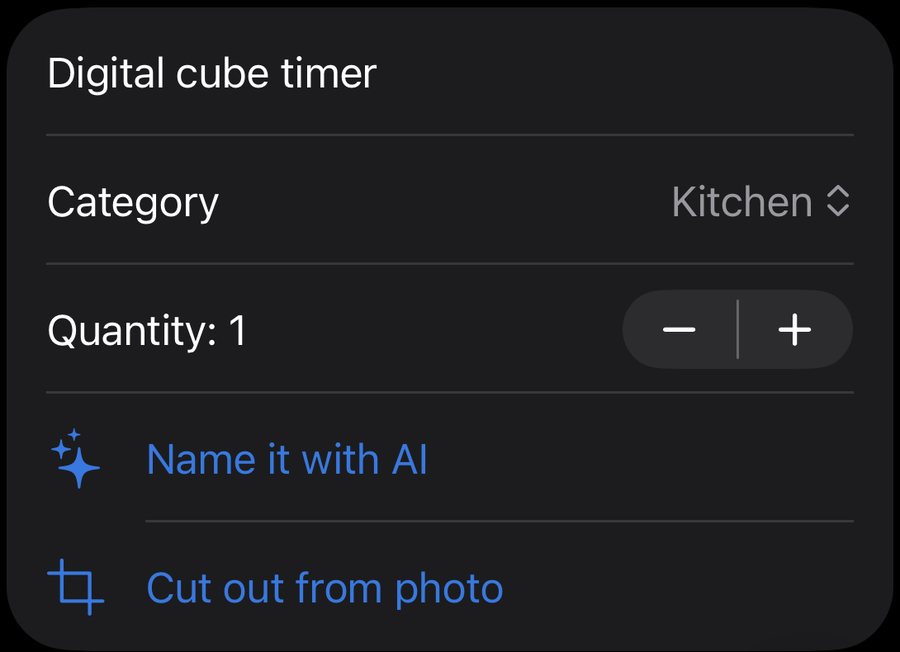
BinBunny names it
Name, category, value. Six mugs? Quantity 6.
3
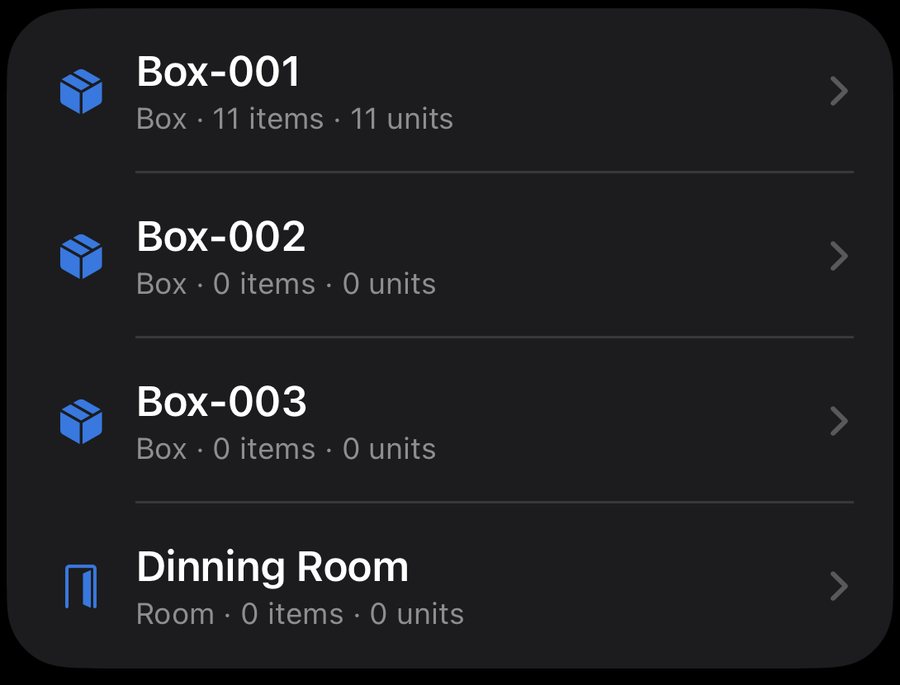
Find it later
Search, or scan the box.
One photo. A whole group of items.
Each item gets its own photo.
One photo
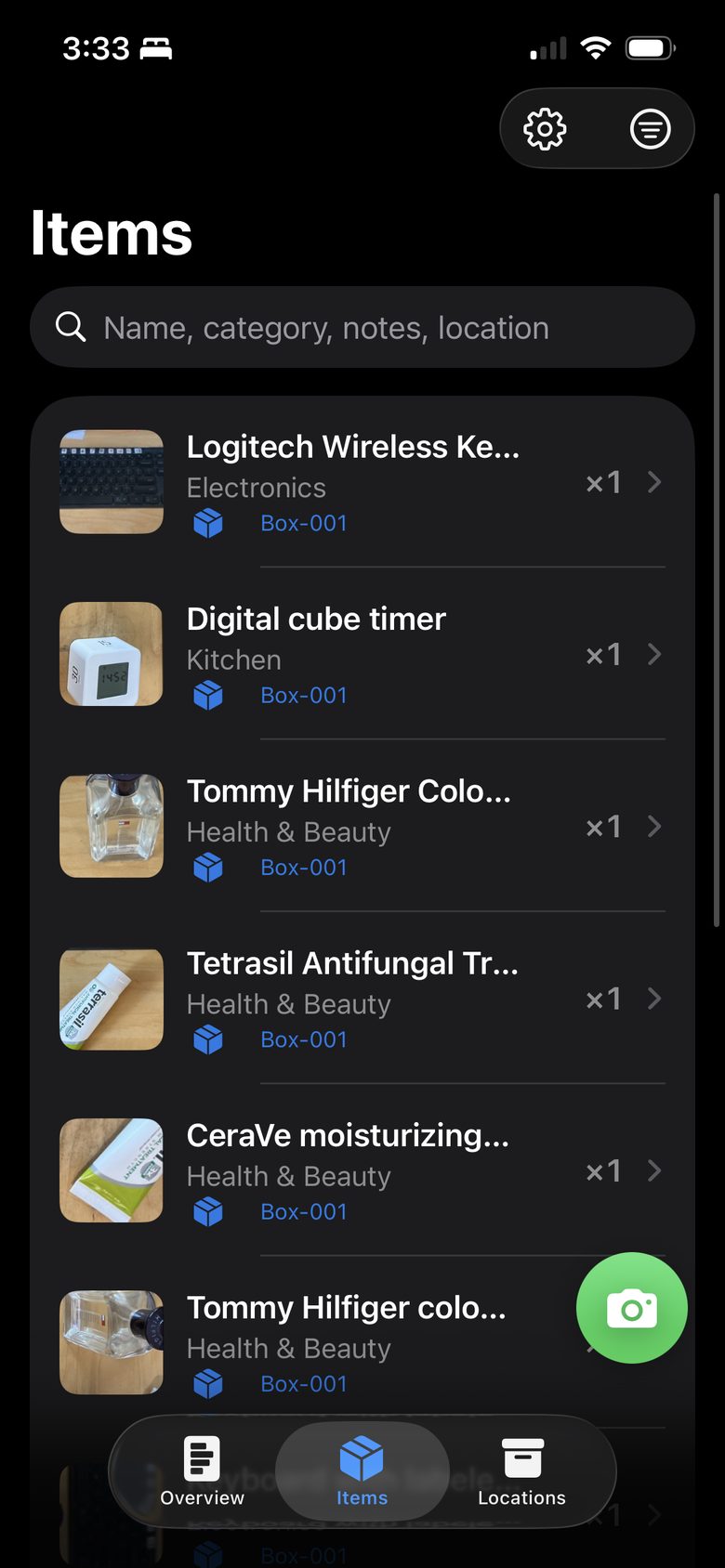
Every item
Walk through the room.
BinBunny builds the list.
Record a video. The list builds itself.
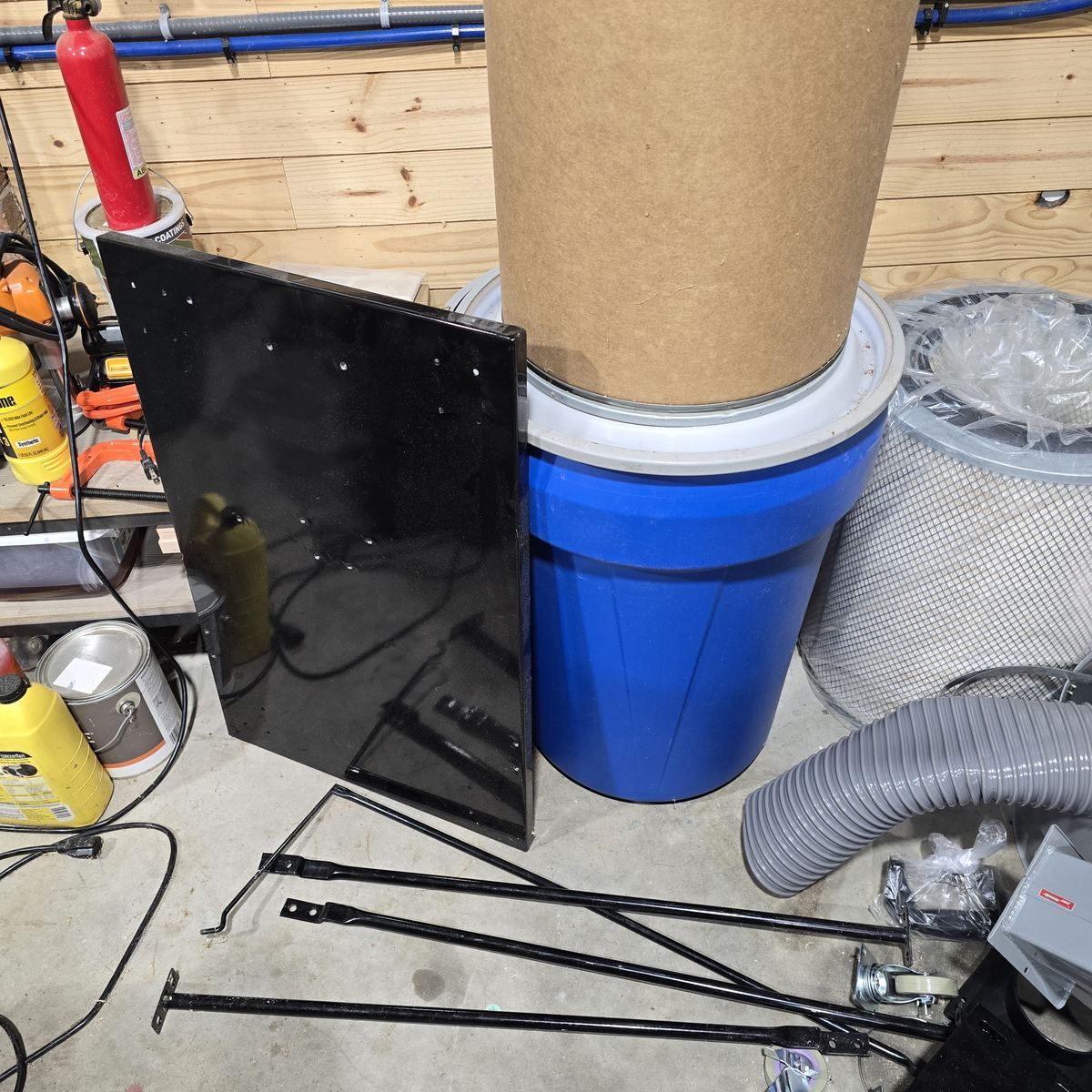
Video
The list
Find it in seconds.
Search it.
Scan the box.

Tap the tag.
iPhone at an NFC sticker
/img/nfc-tap.jpgThe box opens.
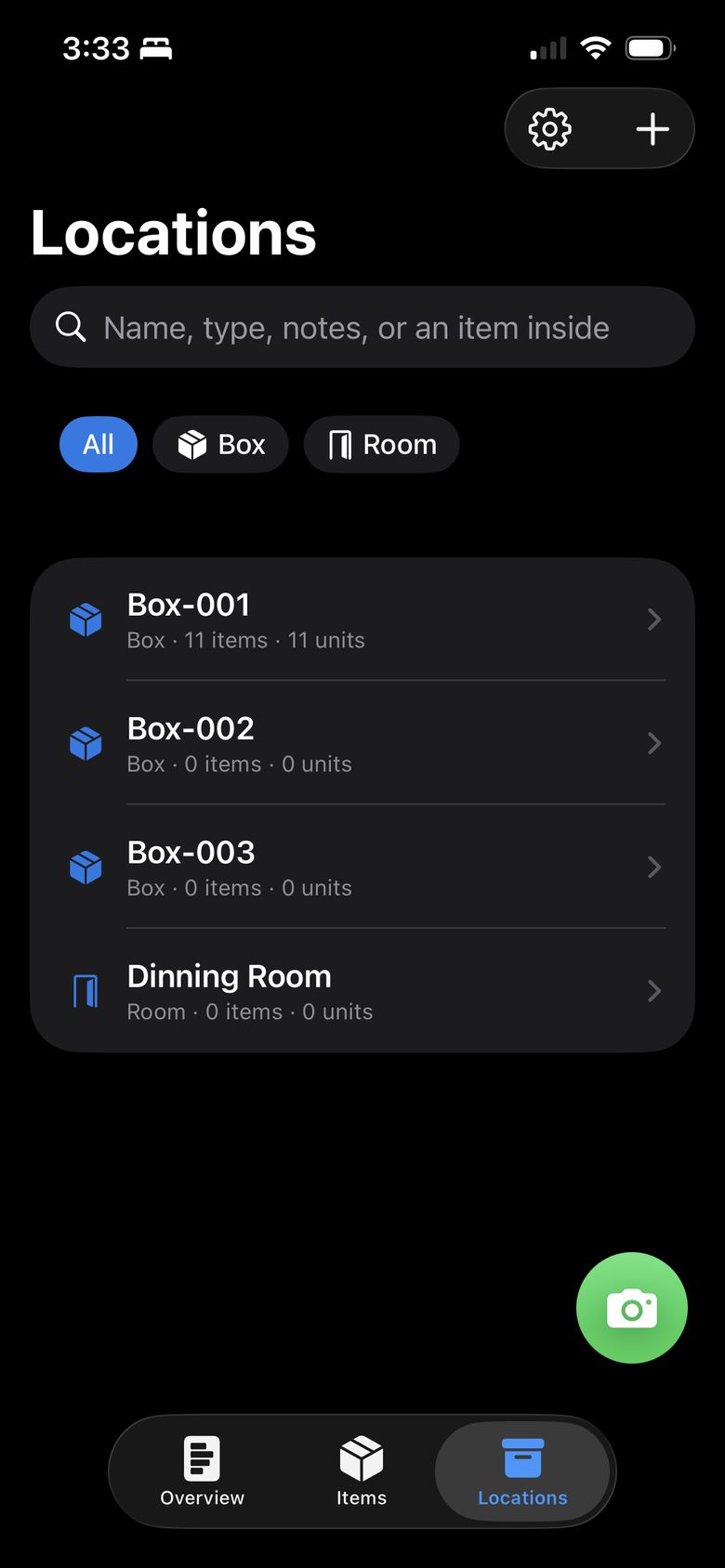
Every box can tell you what's inside.
Print a label, or attach the tag it already has.
Box-00111 items
QR labelBin-002Holiday lights
BarcodeShelf-003Garage, left wall
NFC tagBins with labels, iPhone scanning one
/img/qr-box-example.jpgYour whole inventory.
One report.
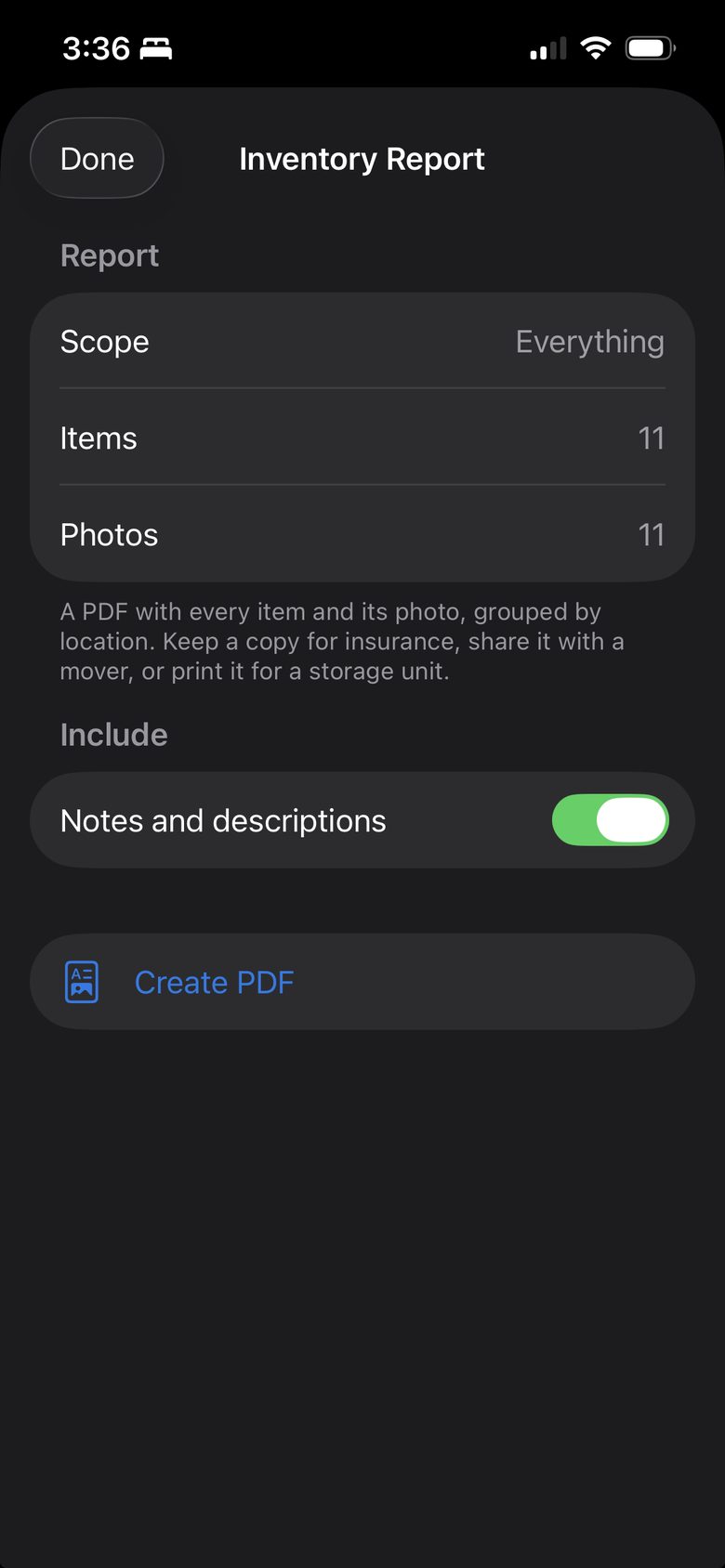
Inventory Report
Box-001

Logitech Wireless Keyboard
$29
Digital cube timer
$12

Tommy Hilfiger cologne
$34
Estimated value
$75
Photos.Locations.Values.
PDF and CSV. Free.
One home.
One inventory.
Up to four people. One shared inventory.
Yours.
On your iPhoneFree stays on your phone.
BackupOptional cloud sync.
Your dataExport any time.
Pricing
Free
$0
Forever
- Unlimited items
- Unlimited locations
- QR, barcode, NFC
- PDF + CSV
- On your phone
Pro
$7.99
/month · $49.99/year
- Hosted AI naming
- Cloud backup + sync
- Household sharing
- 7-day free trial
Hosted AI: Pro only. Own OpenAI key: Free and Lifetime. Details
Screens